Skip to product information
1 of 1

The Management Sherpa

Google Workspace

Google Workspace

Regular price $141.00 CAD
Regular price Sale price $141.00 CAD
Sale Sold out

365-Day Course Access: Your purchase includes access to this course for 365 days from the date it is assigned to you.

View full details

About this Course

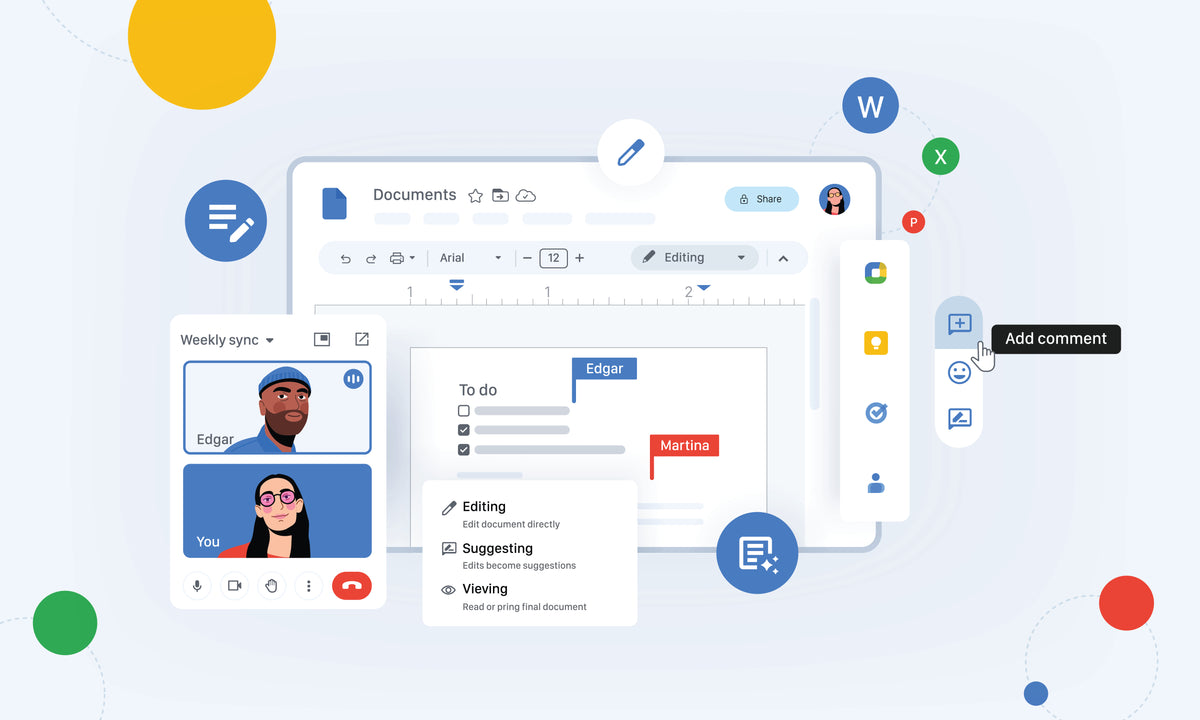
Google Workspace is a collection of cloud-based tools designed to improve communication, collaboration, and productivity. This course introduces participants to essential applications, including Gmail, Google Drive, Docs, Sheets, Slides, and Calendar, helping them organize information, collaborate with colleagues, and work more efficiently in today's digital workplace.

Course Outline

Module One: Getting Started

  • Housekeeping Items
  • The Parking Lot
  • Workshop Objectives
  • Action Plans and Evaluation Forms
  • Evaluation Form
  • Pre-Assignment
  • Pre-Test
  • Pre-Test Answers

Module Two: Using Google Drive

  • Managing Files
  • Creating and Managing Folders
  • Locating Files
  • Changing Display and Settings
  • Sharing Files and Folders
  • Review Questions

Module Three: Using Gmail

  • Managing Files
  • Creating and Managing Folders
  • Locating Files
  • Changing Display and Settings
  • Sharing Files and Folders
  • Review Questions

Module Four: Using Hangouts Meet

  • Scheduling, Launching, and Screen Sharing
  • Managing Sound, Video and Bandwidth
  • Managing Meetings with Hangouts
  • Review Questions

Module Five: Working in Docs

  • Setting Up Pages
  • Inserting Non-Text Elements
  • Changing Text Attributes
  • Formatting Text Blocks
  • Using Content Management Tools
  • Inserting and Editing Tables
  • Collaborating and Sharing in Docs
  • Review Questions

Module Six: Working in Sheets

  • Managing Values, Rows, Cells, or Columns
  • Formatting Sheets and Cells
  • Inserting Non-Text Elements
  • Using Functions
  • Managing and Transforming Data
  • Collaborating and Sharing in Sheets
  • Importing and Converting from Other File Types
  • Review Questions

Module Seven: Working in Slides

  • Building a Presentation
  • Working With Text
  • Working With Non-Text Elements
  • Arranging Objects
  • Sharing a Presentation
  • Review Questions

Module Eight: Wrapping Up

  • Words from the Wise
  • Review of Parking Lot
  • Completion of Action Plans and Evaluations